Behind the Scenes
Why This Exists
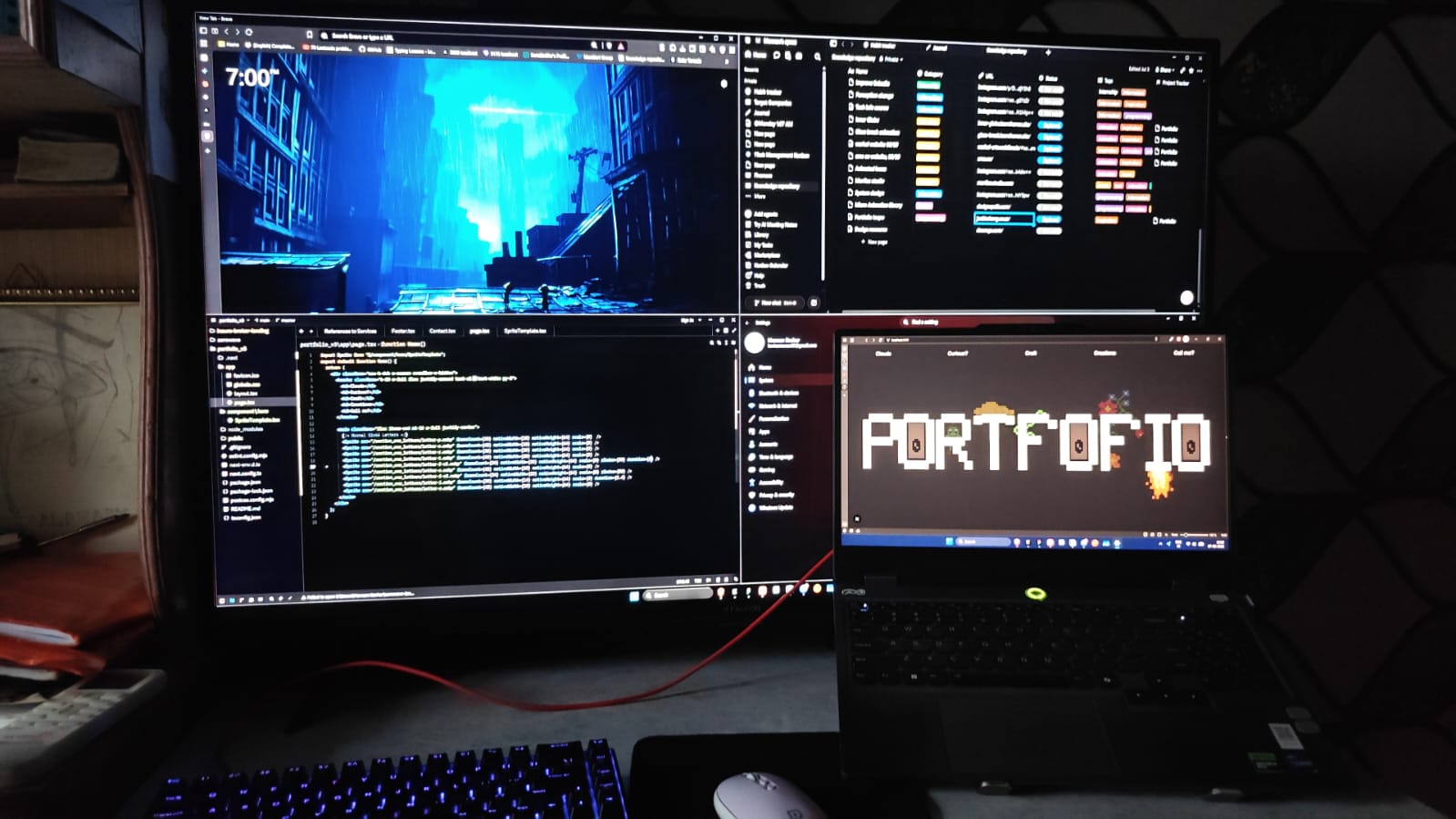
Being into art and creatives since childhood and now into development, I have made several attempts of making my own protfolio. I have always wanted to make one of those cool and stunning portfolio websites which I have been seeing since years, but wsa never able to complete one. But this time I am glad that I was able to complete this one.
The Process
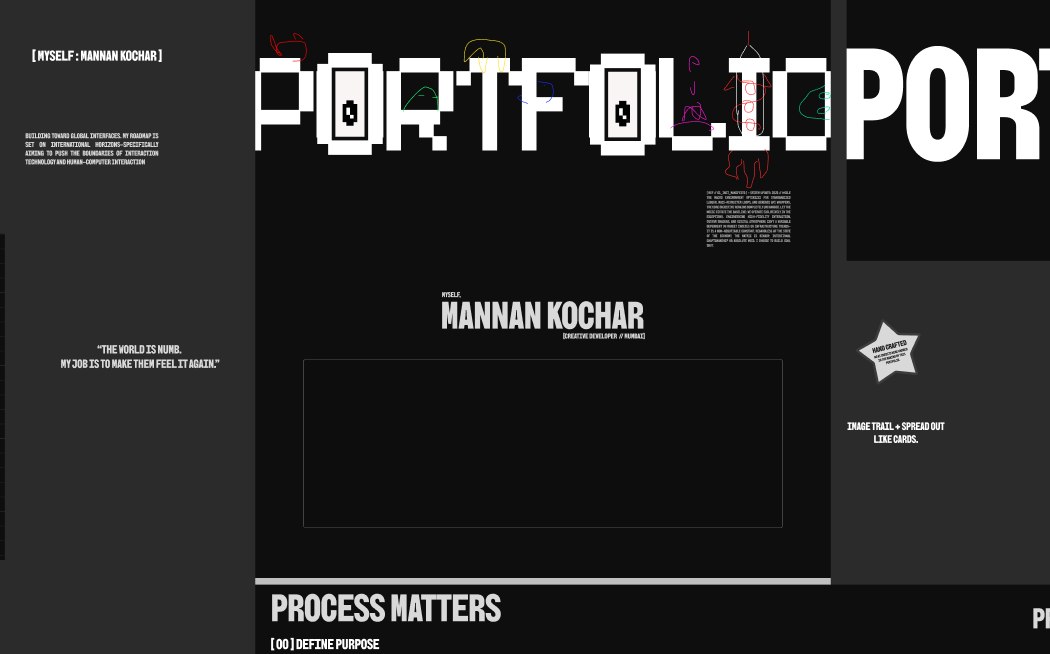
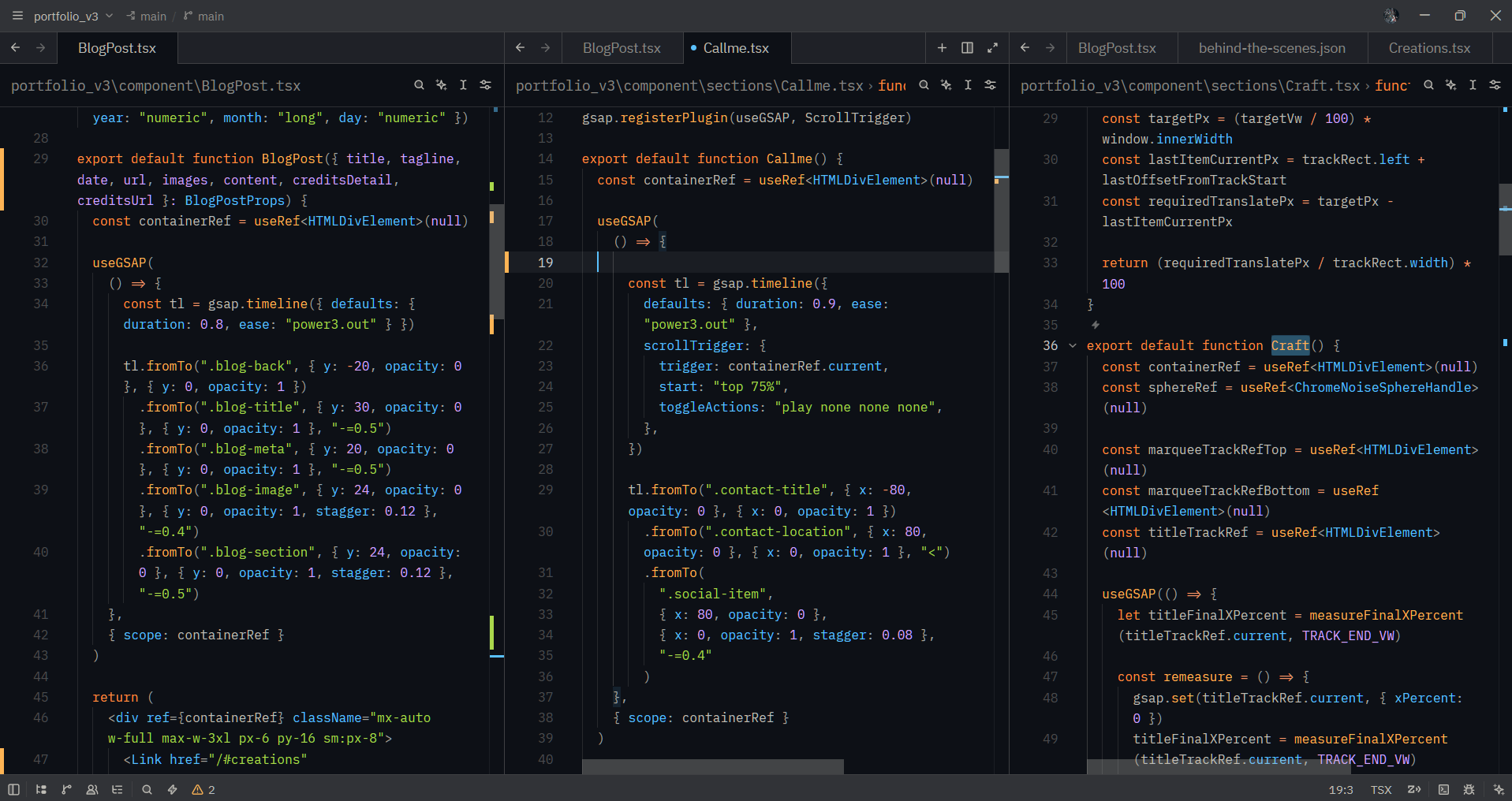
I love when websites show more when interacted with. I wanted to reflect that and make sure the time a user spends on my portfolio is absolutely worth it, so I planned this out carefully, thinking about how the site should feel, what it should convey, and how each section would look. Section 1 - Hero: I wanted to show the word 'PORTFOLIO' and make each letter interactable. I'd always wanted to try sprite-sheet animation, so I used LibreSprite to meticulously create the animation for each letter, then exported them as WebP with mind-boggling efficiency, the sprite sheet itself is no more than 2kb. Section 2 - Terminal: I found the terminal interactivity method to be good because it keeps the UI clean and simple, without any unnecessary elements, and lets the user search for the specific info they're looking for. Section 3 - Shader Sphere: I wanted to try GLSL shaders and Three.js to show the concept of 'polishing over time', where I describe my process while the sphere gains shape and shine. Section 4 - Projects: I wanted to keep it straightforward and simple, showcasing projects along with their details on sub-pages. Section 5 - Contact/About: I wanted to show more of 'me' and my work, and let the user know who I am and what I do.
What's Next
I plan to refine my portfolio further, add more interactivity, and make it even more visually appealing and fun to interact with.
Huge credit to Maxime Heckel for inspiration of the background. Check out the related article.